How to Watch Winott on Amazon Firestick
How to Watch Winott on Amazon Firestick
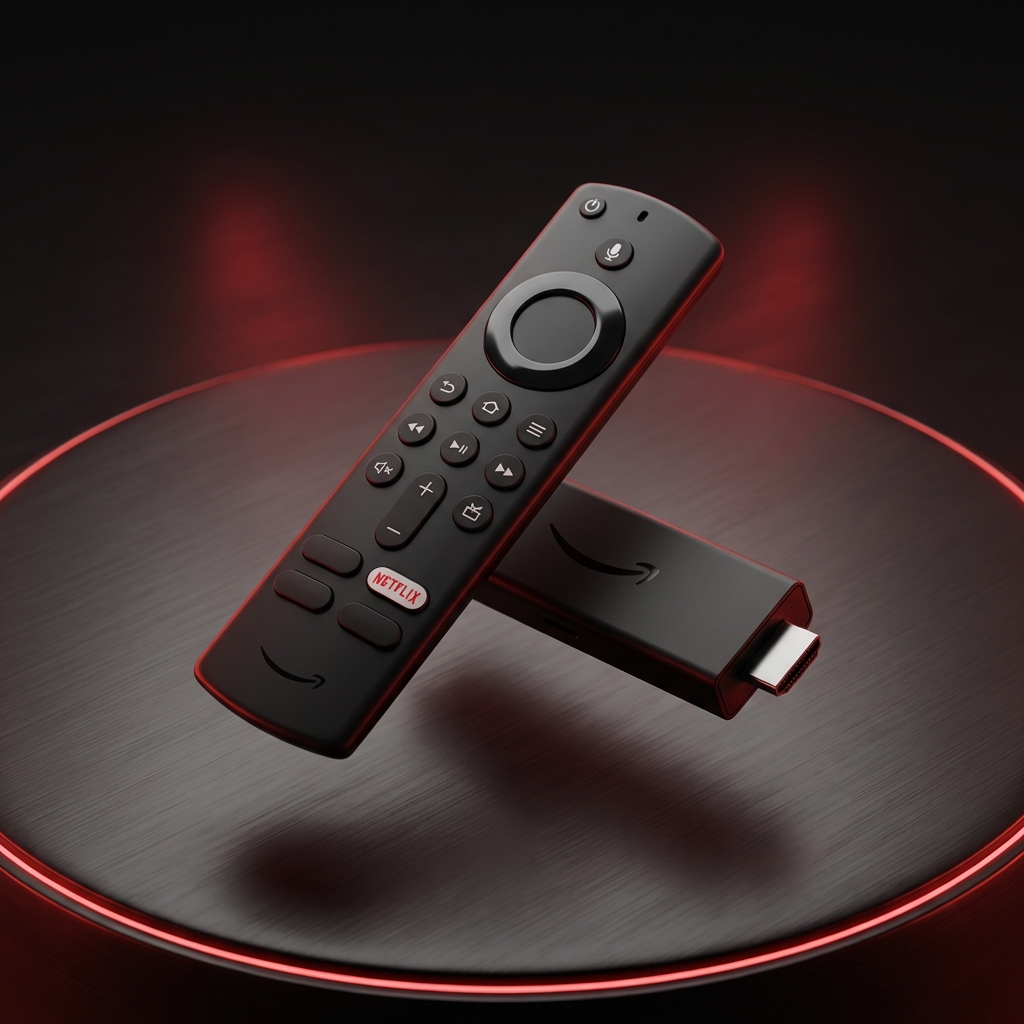
The Amazon Fire TV Stick is one of the most popular devices for IPTV. Since the official store sometimes restricts players, we use the Downloader app to get the best version of IPTV Smarters.
Step-by-Step Installation
1 Get 'Downloader'
- Go to the Firestick main menu and select Find (Magnifying Glass).
- Search for "Downloader".
- Click the orange icon and select Download / Get.
2 Enable Developer Options
- Go to Settings > My Fire TV.
- Open Developer Options. (If hidden: Click "About" > Click "Fire TV Stick" 7 times fast).
- Turn ON "Install unknown apps" for Downloader.
3 Install Smarters
- Open the Downloader app.
- In the URL box, type the code for Smarters Pro (e.g., 78522 or use iptvsmarters.com/smarters.apk).
- Click Go. Wait for the download to finish.
- Click Install.
4 Login
- Open IPTV Smarters Pro.
- Select "Login with Xtream Codes API".
- Enter your Winott Username, Password, and URL.
- Enjoy!