
Android Box IPTV – Complete Setup Guide for Android TV
Android Box IPTV is the most comprehensive way to transform any Android TV box into a powerful streaming hub. With a quality Android TV device, a reliable IPTV subscription, and the right player app, you can enjoy Oltre 30.000 canali in diretta E Oltre 150.000 titoli VOD in HD/4K con riproduzione fluida, recupero e guida elettronica ai programmi (EPG) integrata. Questa guida completa ti mostra esattamente come configurarlo, passo dopo passo, con consigli sulle app, specifiche del dispositivo e suggerimenti per l'ottimizzazione.
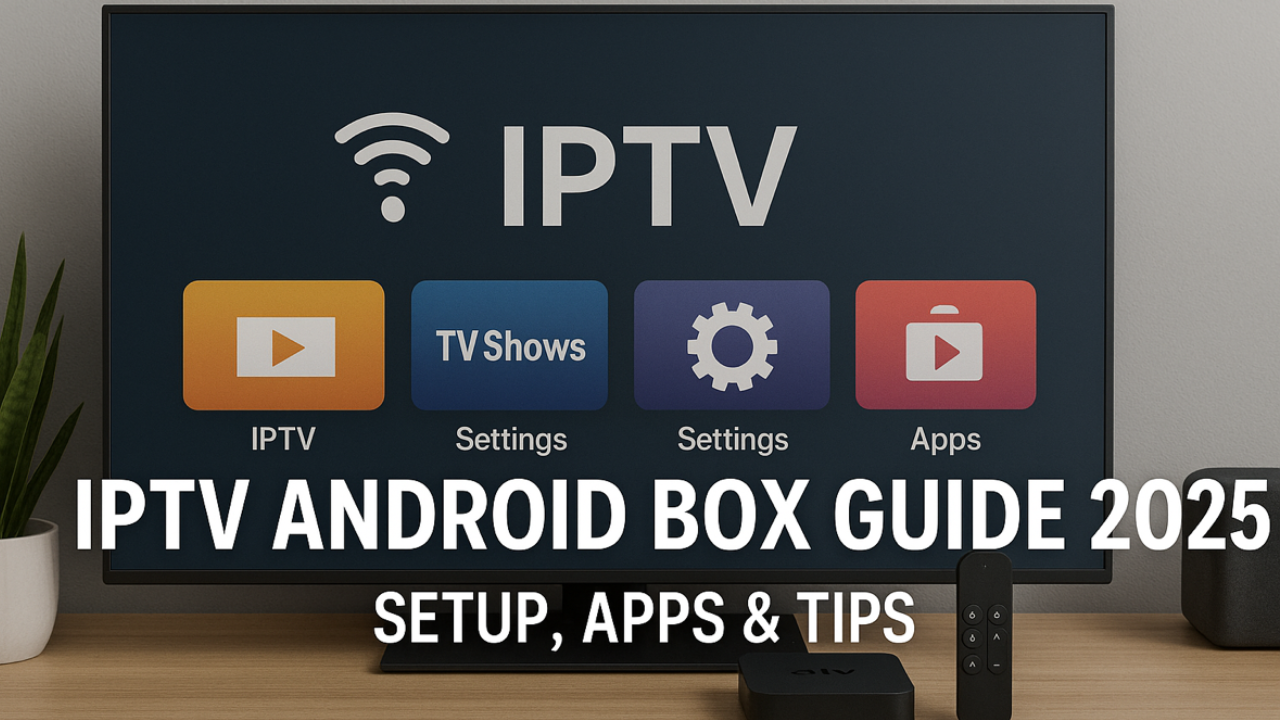
Getting Started with Android Box IPTV
To watch IPTV on an Android box, install an IPTV app first. Below you'll find apps that work well on Android boxes—click any app to learn how to get started. Other apps may work too, but these are the ones we recommend. We've listed them in the order that's easiest to begin with; the first is the top choice. Utilizzare una sola app alla volta.
Inizia in modo semplice
Inizia con IPTV Smarters o TiviMate per un'esperienza di configurazione più semplice
Cambia in qualsiasi momento
Le tue credenziali Winott funzionano su tutte le app consigliate
Una sola app
Utilizzare una sola app IPTV alla volta per evitare conflitti e problemi di prestazioni
🟢 App adatte ai principianti
Sono le più semplici per principianti e utenti in prova. Le playlist e gli accessi sono rapidi da attivare.
🔵 App avanzate
Ulteriori funzionalità e opzioni di personalizzazione per gli utenti esperti.
Choose the Right Android Box for IPTV
Choose a quality Android box for the best IPTV streaming experience. Here are the key specifications to look for:
Memoria RAM
2-4GB minimum for smooth streaming
Magazzinaggio
16GB+ for apps and cache
Processore
Quad-core or better for 4K
Android TV
Official Android TV/Google TV preferred
Popular Android Box Brands
- Choose a reputable brand with at least 2–4 GB RAM and sufficient storage.
- Prefer models with Android TV OS (or Google TV) for better app compatibility.
- Avoid used or heavily modified boxes; hidden issues can cause crashes and overheating.
Android Box IPTV Setup – Quick Start (Step-by-Step)
Buy Android Box
Choose quality box with 2-4GB RAM and Android TV OS
Configurazione di base
Complete initial configuration, connect to internet, update system
Installa l'app IPTV
Scarica IPTV Smarters o TiviMate dal Play Store
Configura Winott
Inserisci le credenziali dall'e-mail di benvenuto o dall'URL della playlist M3U
Inizia lo streaming
Carica i canali e goditi la TV in diretta, i film e gli sport
Complete IPTV App List for Android Box
Installala dal Play Store ufficiale quando possibile. Tutte le app elencate di seguito sono compatibili con Winott. Fai clic sul nome di un'app per visualizzare le guide di installazione dettagliate.
🟢 App adatte ai principianti
IPTV Smarters
Interfaccia più popolare e intuitiva con configurazione rapida
TiviMate
EPG eccellente e funzionalità premium con personalizzazione avanzata
Televizo IPTV
Configurazione semplice con buone prestazioni e interfaccia moderna
Xtream IPTV
Optimized for Xtream Codes API with clean interface
9Xtream IPTV
Interfaccia moderna con funzionalità avanzate e personalizzazione
🟡 App intermedie
IMPOSTA IPTV
Requires playlist upload via website, good for advanced users
NET IPTV
Good compatibility, some setup required but reliable
🔵 App avanzate
Riproduzione duplex
Ricco di funzionalità con ampie opzioni di personalizzazione
IPTV Pro
Funzionalità professionali e impostazioni avanzate
IPTV Extreme
Lettore avanzato con numerose opzioni di configurazione
SmartOne IPTV
Design moderno con funzionalità intelligenti e consigli AI
Decoder intelligente
Emula l'esperienza del decoder con l'interfaccia TV tradizionale
Giocatore IBO
Leggero con buone prestazioni e basso consumo di risorse
Alternatives to TiviMate on Android Box
Interfaccia intuitiva, configurazione rapida e compatibilità multipiattaforma. Perfetto per i principianti.
Advanced filters, parental controls, PiP mode, and fast category browsing with modern UI.
Lightweight options that support M3U and Xtream Codes. Great for older Android boxes or basic setups.
Tutti questi lettori sono disponibili su Google Play Store. Vedi Google Play per esplorare le app IPTV compatibili.
Best Android Boxes for IPTV
Premium choice with AI upscaling, 3GB RAM, 16GB storage, Gigabit Ethernet
Dedicated IPTV box with 4GB RAM, 64GB storage, and specialized IPTV features
High-performance box with 4GB RAM, 32GB storage, and excellent cooling
Plans for Android Box IPTV (All Features Included)
Key Benefits of Android Box IPTV
- Powerful hardware ensures consistent HD/4K streams with minimal buffering on modern Android boxes.
- Extensive app ecosystem with access to Google Play Store and sideloading capabilities.
- Advanced features like multi-view, DVR recording, cloud sync, and customizable interfaces.
- Supporto Gigabit Ethernet per connessioni stabili e ad alta velocità, ideali per lo streaming 4K.
- Regular Android updates and security patches keep your streaming experience secure and optimized.
What Android Box IPTV Users Say
Android Box IPTV – FAQ
Ready to Start Android Box IPTV?
Choose your plan, activate in minutes, and stream thousands of live channels and VOD titles on your Android TV box with EPG, catch-up, and silky-smooth HD/4K playback.