
Android Box IPTV – Complete Setup Guide for Android TV
Android Box IPTV is the most comprehensive way to transform any Android TV box into a powerful streaming hub. With a quality Android TV device, a reliable IPTV subscription, and the right player app, you can enjoy Više od 30.000 kanala uživo i Više od 150.000 VOD naslova u HD/4K s glatkom reprodukcijom, praćenjem propuštenog sadržaja i integriranim EPG-om. Ovaj cjeloviti vodič pokazuje vam točno kako ga postaviti - korak po korak - s preporukama aplikacija, specifikacijama uređaja i savjetima za optimizaciju.
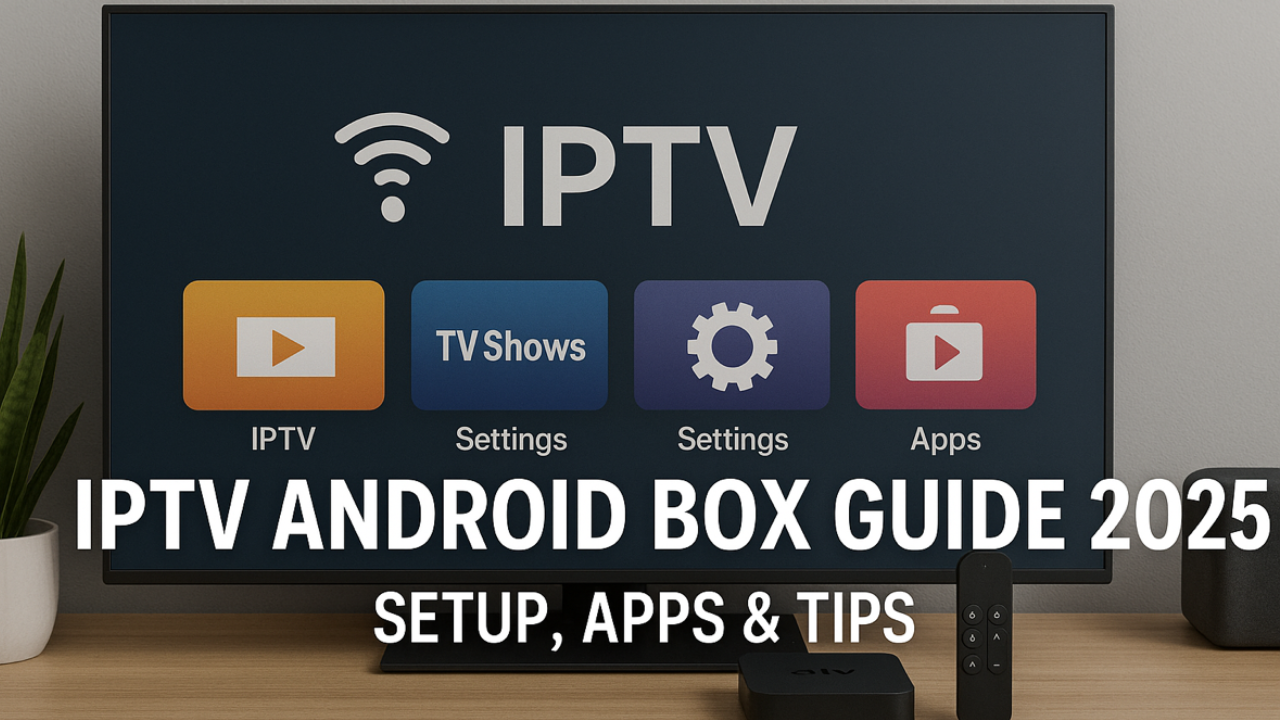
Getting Started with Android Box IPTV
To watch IPTV on an Android box, install an IPTV app first. Below you'll find apps that work well on Android boxes—click any app to learn how to get started. Other apps may work too, but these are the ones we recommend. We've listed them in the order that's easiest to begin with; the first is the top choice. Koristite samo jednu aplikaciju istovremeno.
Počni jednostavno
Za najjednostavnije postavljanje počnite s IPTV Smartersom ili TiviMateom
Prebacite se bilo kada
Vaše Winott vjerodajnice vrijede u svim preporučenim aplikacijama
Samo jedna aplikacija
Koristite samo jednu IPTV aplikaciju istovremeno kako biste izbjegli sukobe i probleme s performansama
🟢 Aplikacije prilagođene početnicima
Ovo je najlakše za probne verzije i početnike. Popisi za reprodukciju/prijave se brzo aktiviraju.
🔵 Napredne aplikacije
Više značajki i mogućnosti prilagodbe za napredne korisnike.
Choose the Right Android Box for IPTV
Choose a quality Android box for the best IPTV streaming experience. Here are the key specifications to look for:
RAM memorija
2-4GB minimum for smooth streaming
Pohrana
16GB+ for apps and cache
Procesor
Quad-core or better for 4K
Android TV
Official Android TV/Google TV preferred
Popular Android Box Brands
- Choose a reputable brand with at least 2–4 GB RAM and sufficient storage.
- Preferirajte modele s Android TV OS (or Google TV) for better app compatibility.
- Izbjegavajte rabljene ili jako modificirane kutije; skriveni problemi mogu uzrokovati pad sustava i pregrijavanje.
Android Box IPTV Setup – Quick Start (Step-by-Step)
Buy Android Box
Choose quality box with 2-4GB RAM and Android TV OS
Osnovne postavke
Complete initial configuration, connect to internet, update system
Instalirajte IPTV aplikaciju
Preuzmite IPTV Smarters ili TiviMate iz Trgovine Play
Konfiguriraj Winott
Unesite vjerodajnice iz e-pošte dobrodošlice ili URL-a M3U popisa pjesama
Započni streaming
Učitajte kanale i uživajte u TV-u uživo, filmovima i sportu
Complete IPTV App List for Android Box
Instalirajte iz službene Trgovine Play kada je to moguće. Sve aplikacije u nastavku kompatibilne su s Winottom. Kliknite bilo koji naziv aplikacije za pregled detaljnih vodiča za postavljanje.
🟢 Aplikacije prilagođene početnicima
IPTV pametniji
Najpopularnije, korisničko sučelje s brzim postavljanjem
TiviMate
Izvrsne EPG i premium značajke s naprednim prilagođavanjem
IPTV televizija
Jednostavno postavljanje s dobrim performansama i modernim sučeljem
Xtream IPTV
Optimizirano za Xtream Codes API s čistim sučeljem
9Xstream IPTV
Moderno sučelje s naprednim značajkama i prilagodbom
🟡 Aplikacije za srednji nivo
POSTAVI IPTV
Zahtijeva prijenos popisa pjesama putem web stranice, dobro za napredne korisnike
NET IPTV
Dobra kompatibilnost, potrebno je malo podešavanja, ali pouzdano
🔵 Napredne aplikacije
Dvostruka reprodukcija
Bogat značajkama s opsežnim mogućnostima prilagodbe
IPTV Pro
Profesionalne značajke i napredne postavke
IPTV Extreme
Napredni player s mnogo opcija konfiguracije
SmartOne IPTV
Moderan dizajn s pametnim značajkama i AI preporukama
Pametni set-top box
Emulira iskustvo set-top boxa s tradicionalnim TV sučeljem
IBO igrač
Lagan s dobrim performansama i malom potrošnjom resursa
Alternatives to TiviMate on Android Box
Jednostavno sučelje, brzo postavljanje i kompatibilnost s više platformi. Savršeno za početnike.
Napredni filteri, roditeljski nadzor, PiP način rada i brzo pregledavanje kategorija s modernim korisničkim sučeljem.
Lightweight options that support M3U and Xtream Codes. Great for older Android boxes or basic setups.
Svi ovi playeri dostupni su u Trgovini Google Play. Pogledajte Google Play za istraživanje kompatibilnih IPTV aplikacija.
Best Android Boxes for IPTV
Premium choice with AI upscaling, 3GB RAM, 16GB storage, Gigabit Ethernet
Dedicated IPTV box with 4GB RAM, 64GB storage, and specialized IPTV features
High-performance box with 4GB RAM, 32GB storage, and excellent cooling
Plans for Android Box IPTV (All Features Included)
Key Benefits of Android Box IPTV
- Powerful hardware ensures consistent HD/4K streams with minimal buffering on modern Android boxes.
- Extensive app ecosystem with access to Google Play Store and sideloading capabilities.
- Advanced features like multi-view, DVR recording, cloud sync, and customizable interfaces.
- Gigabit Ethernet podrška za stabilne, brze veze idealne za 4K streaming.
- Regular Android updates and security patches keep your streaming experience secure and optimized.
What Android Box IPTV Users Say
Android Box IPTV – FAQ
Ready to Start Android Box IPTV?
Choose your plan, activate in minutes, and stream thousands of live channels and VOD titles on your Android TV box with EPG, catch-up, and silky-smooth HD/4K playback.